
Laser pointer
Precise pointing, always readable
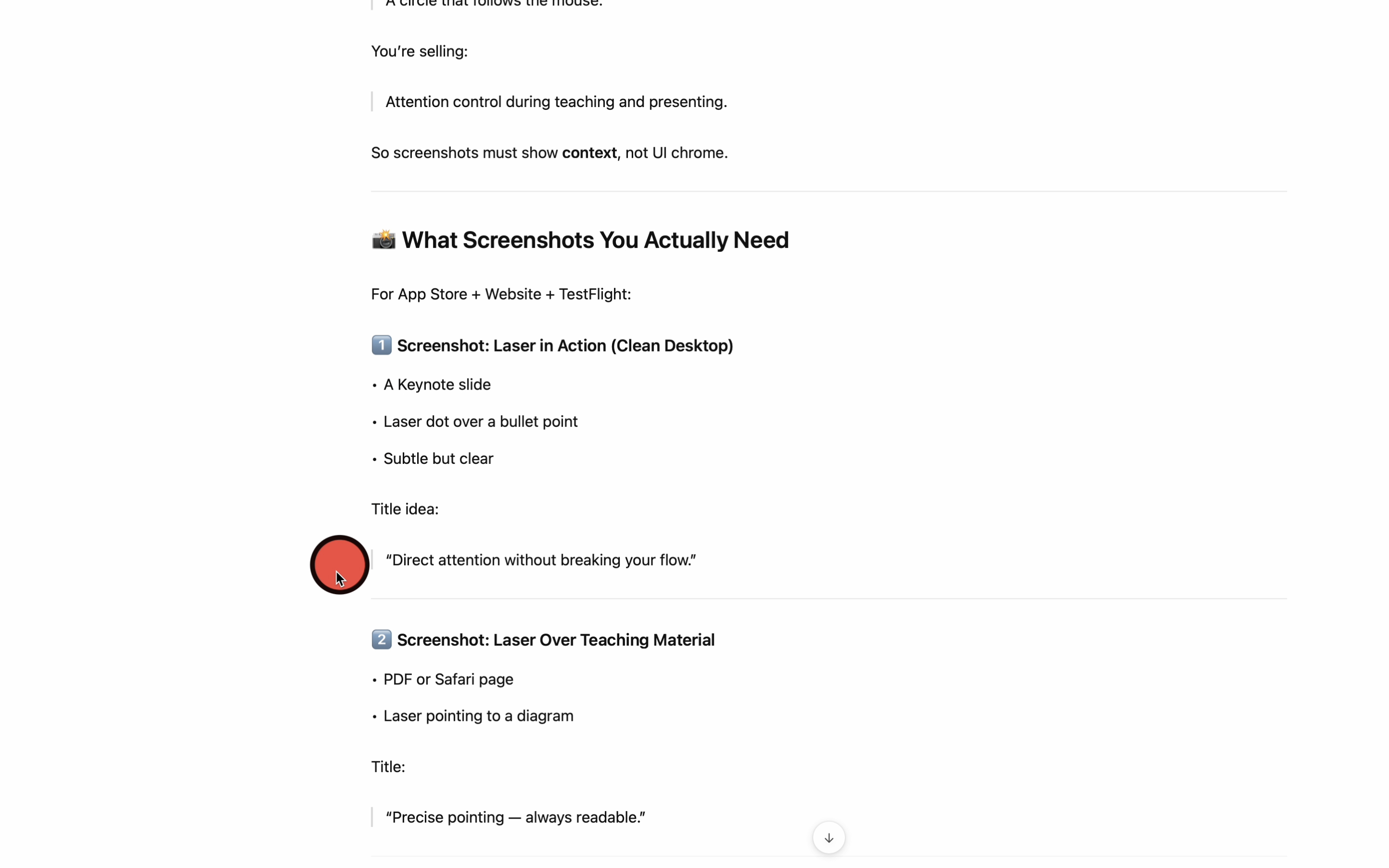
Hold ⇧⌘ to toggle the laser and guide attention without breaking your flow.

Direct attention. Instantly.
A native macOS laser pointer and spotlight for live delivery and screen recordings.
HighLightIt! Laser is designed to assist during live delivery:
lectures, screen shares, demos, coaching sessions, and workshops.
Hold ⇧⌘ to toggle the laser and guide attention without breaking your flow.
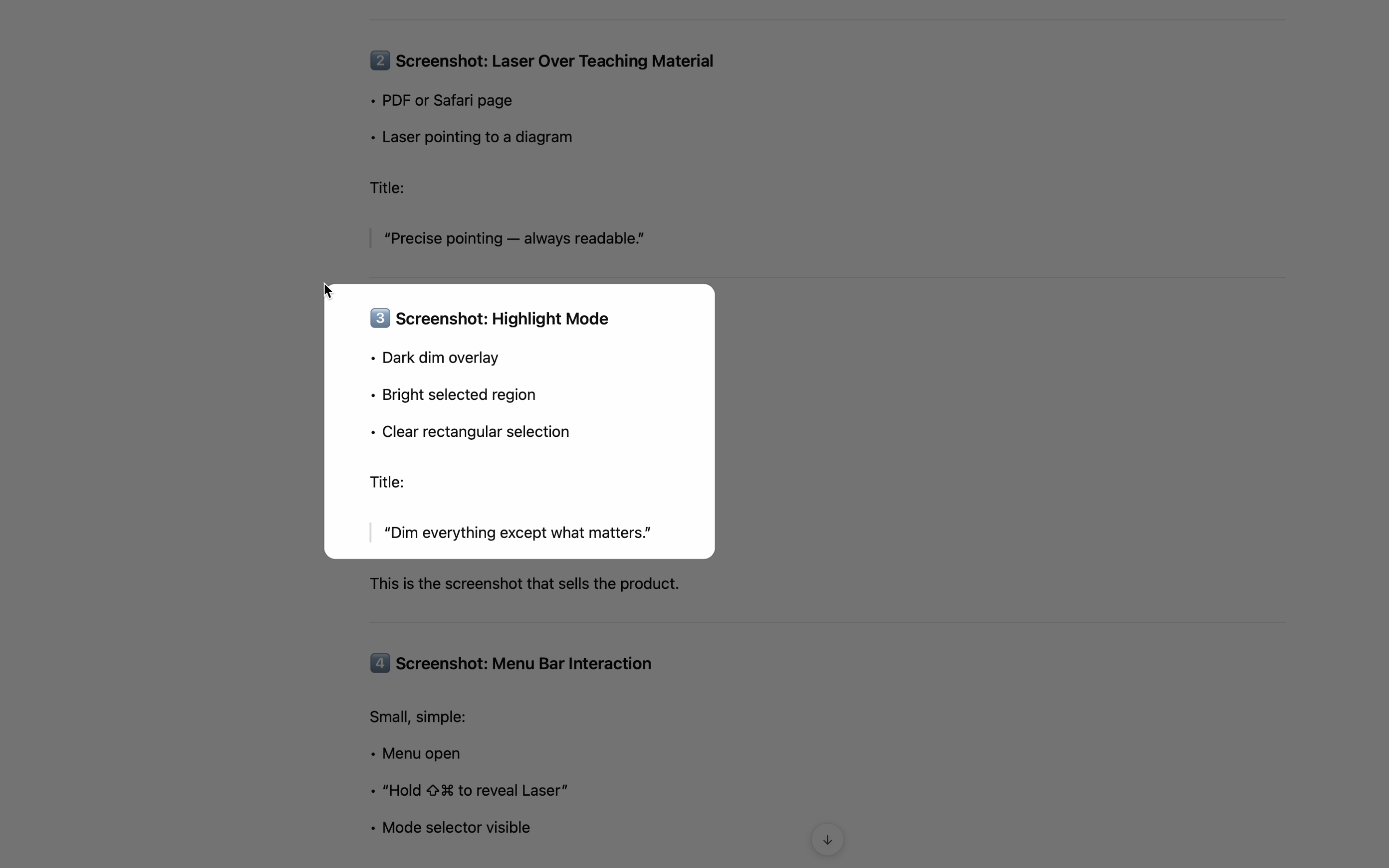
Hold ⇧⌘ and drag to highlight an area of the screen. Releases instantly — no capture, no screenshots, no clutter.
No window management. No setup screens. Controls are one click away.
Hold ⇧⌘ to toggle the laser pointer when you need it.
Highlight an area of the screen. The rest dims. Release the keys to dismiss.
If you teach, present, explain, or screen share — this is for you.
Guide students to the exact line, diagram, or detail — without breaking your speaking rhythm.
Spotlight the relevant UI region while you talk through steps — especially useful on shared screens.
Use the laser to direct attention during review sessions, meetings, and tactical walkthroughs.
7‑day free trial — cancel anytime
Lightweight price. Instant impact.
Email: support@highlightit.studio
Want to see more tools to help with your workflows? Explore the main HighLightIt! page. highlightit.studio