
Rolling buffer
Your last 10–60 seconds, always available
HighLightIt! Loop continuously captures your screen into a rolling buffer. Choose your buffer length and always have recent moments ready to replay.

Instant replay for your screen
HighLightIt! Loop is built for live teaching, coaching, demos, screen sharing and retrospective app-crash analysis — so you can replay key moments instantly.
HighLightIt! Loop runs quietly in your macOS menu bar, continuously buffering your screen. When something important happens, instantly loop the last 10–60 seconds — or define your own start and end points.
HighLightIt! Loop continuously captures your screen into a rolling buffer. Choose your buffer length and always have recent moments ready to replay.
Start Loop and End Loop to define a segment, or instantly loop the last 10–60 seconds. Adjust playback speed and export as MP4 when needed.
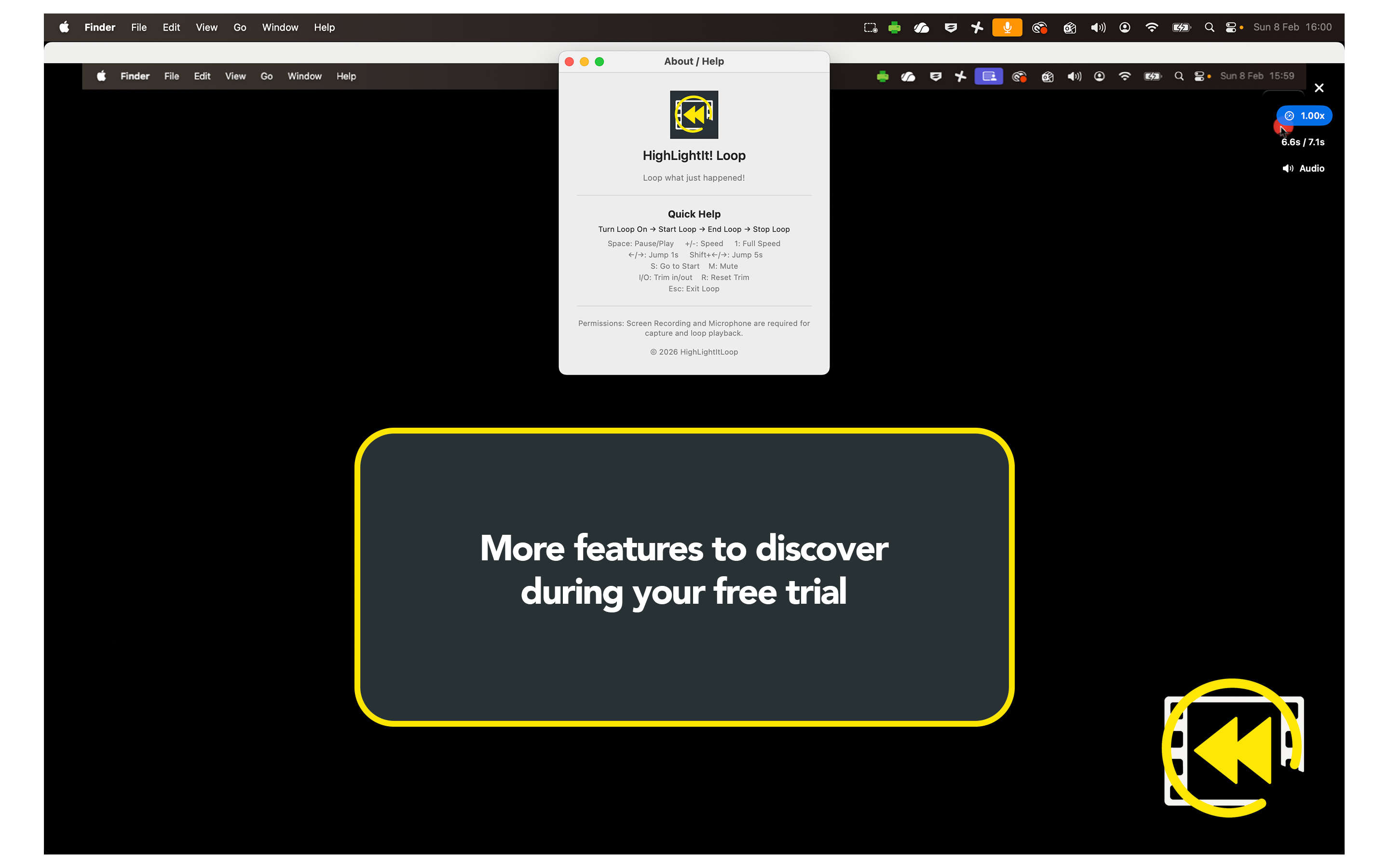
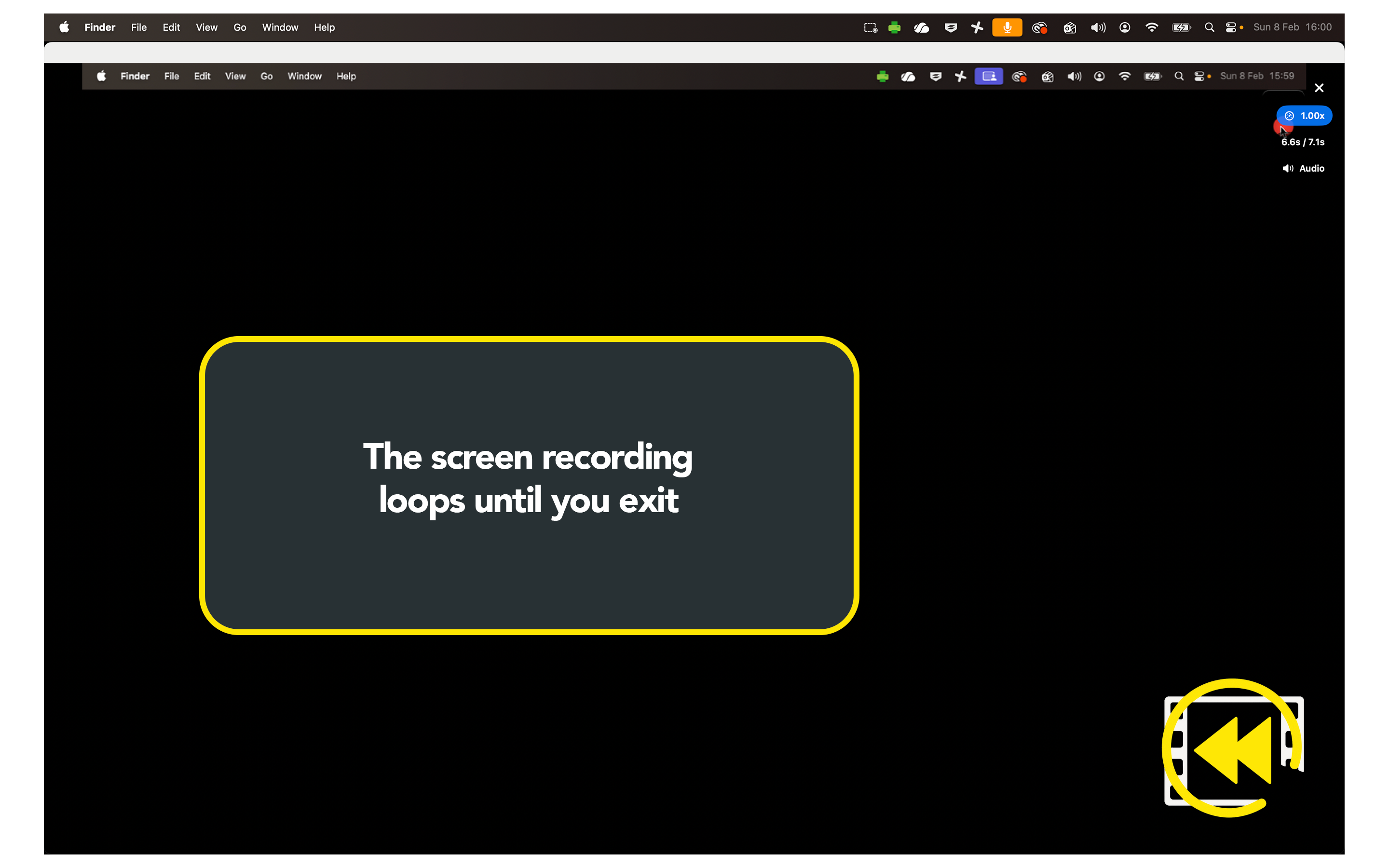
Turn Loop On once and it quietly buffers your screen in the background.
Use Start Loop and End Loop — or choose “Loop Last 10–60 Seconds” — to instantly create a replay segment.
Watch your loop immediately, adjust playback speed, and export as MP4 if you need to share the moment.
If you explain, demonstrate, coach, or troubleshoot live — this is for you.
Replay a key explanation or workflow step without redoing the entire demonstration.
Instantly loop a process during screen share to reinforce a critical action or detail.
Capture and replay the last phase of play or movement sequence during review sessions.
7-day free trial — no risk
Lightweight price. Heavyweight impact.
Email: support@highlightit.studio
Want to see more tools to help with your workflows? Explore the main HighLightIt! page. highlightit.studio